Adult channels are included in all packages and there is no need to pay extra for them.
By default, adult channels are not loaded into the playlist.
In order for the channels to be loaded into the playlist, you need to go to the Packages(1) section in your personal account and click the Erotica(2) button.
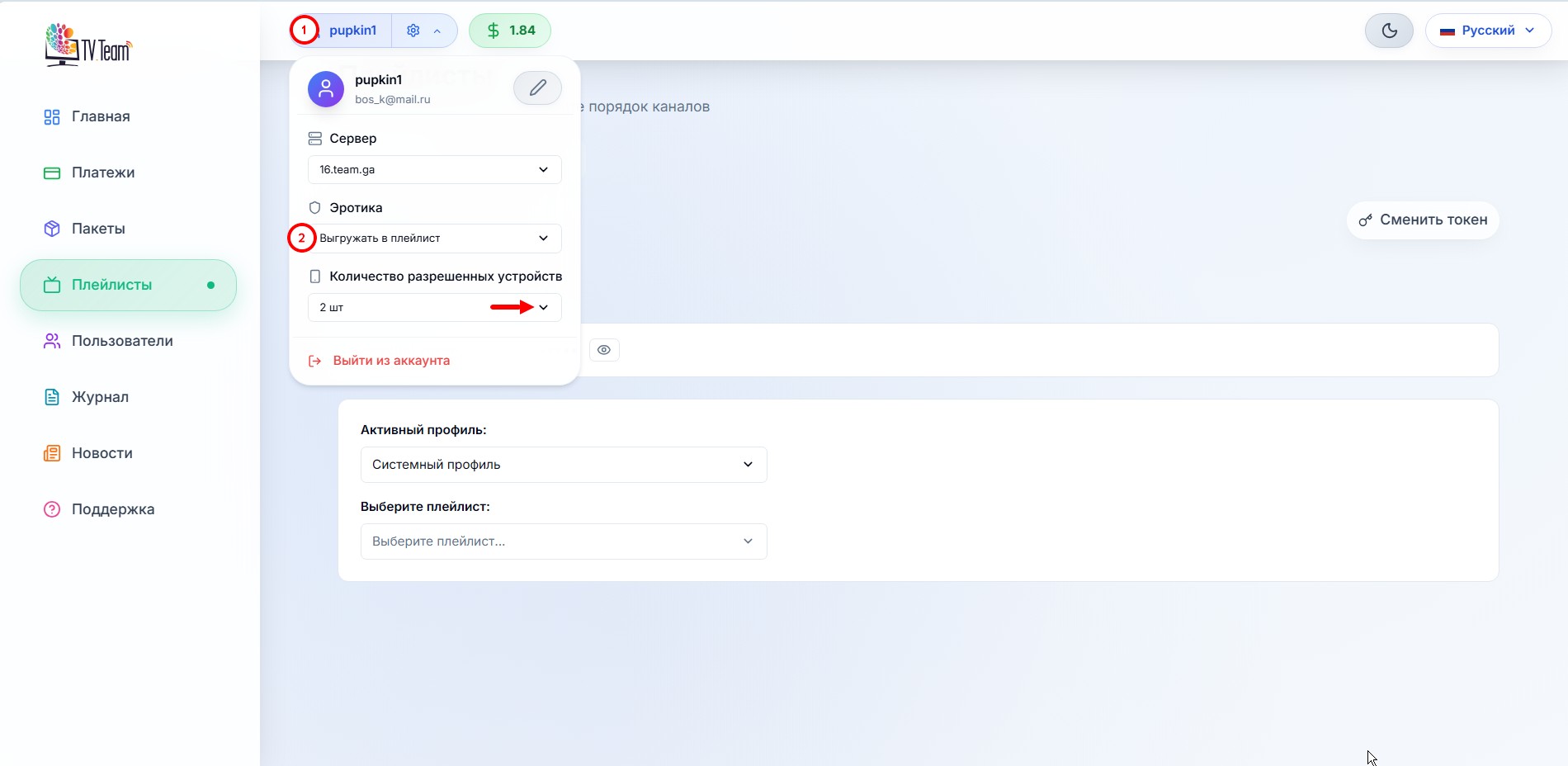
Changing the Erotica(2) button value from Off to On (and vice versa) is saved automatically.
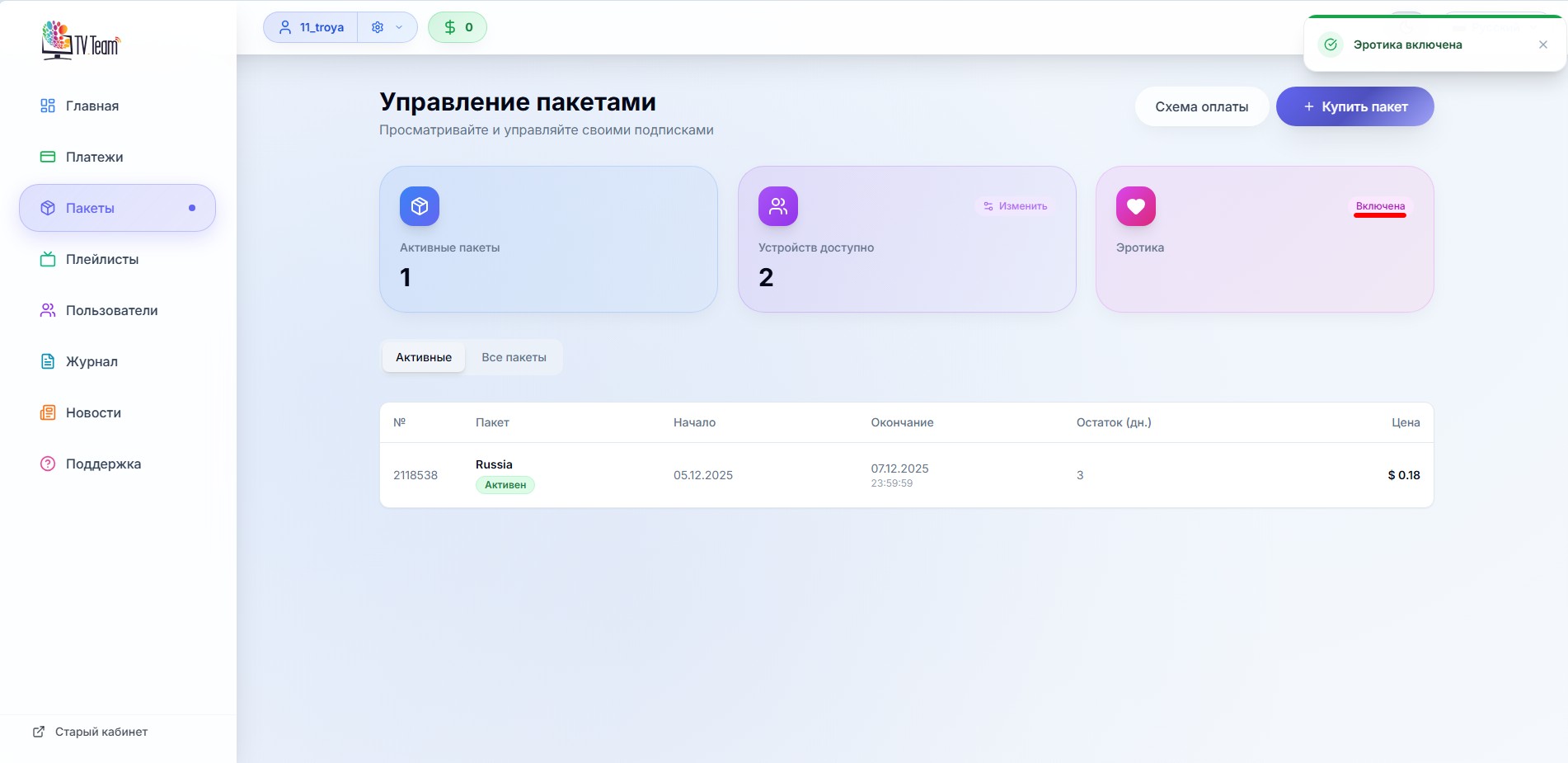
Next, you need to refresh the playlist in your player and adult channels will become available for viewing. If the channels do not appear after updating the playlist, you may have hidden this category. Check your sorting.
Please note that some players use their own PIN code for this group of channels. Try using 0000 or 1234 as an option.